Stroke coaching for your Apple Watch
Stop trainingblind.
GlideMetrics turns the Apple Watch you already own into an underwater stroke coach. Add a band on your other wrist and it reads both hands, then tells you the one thing to fix, after every single swim.
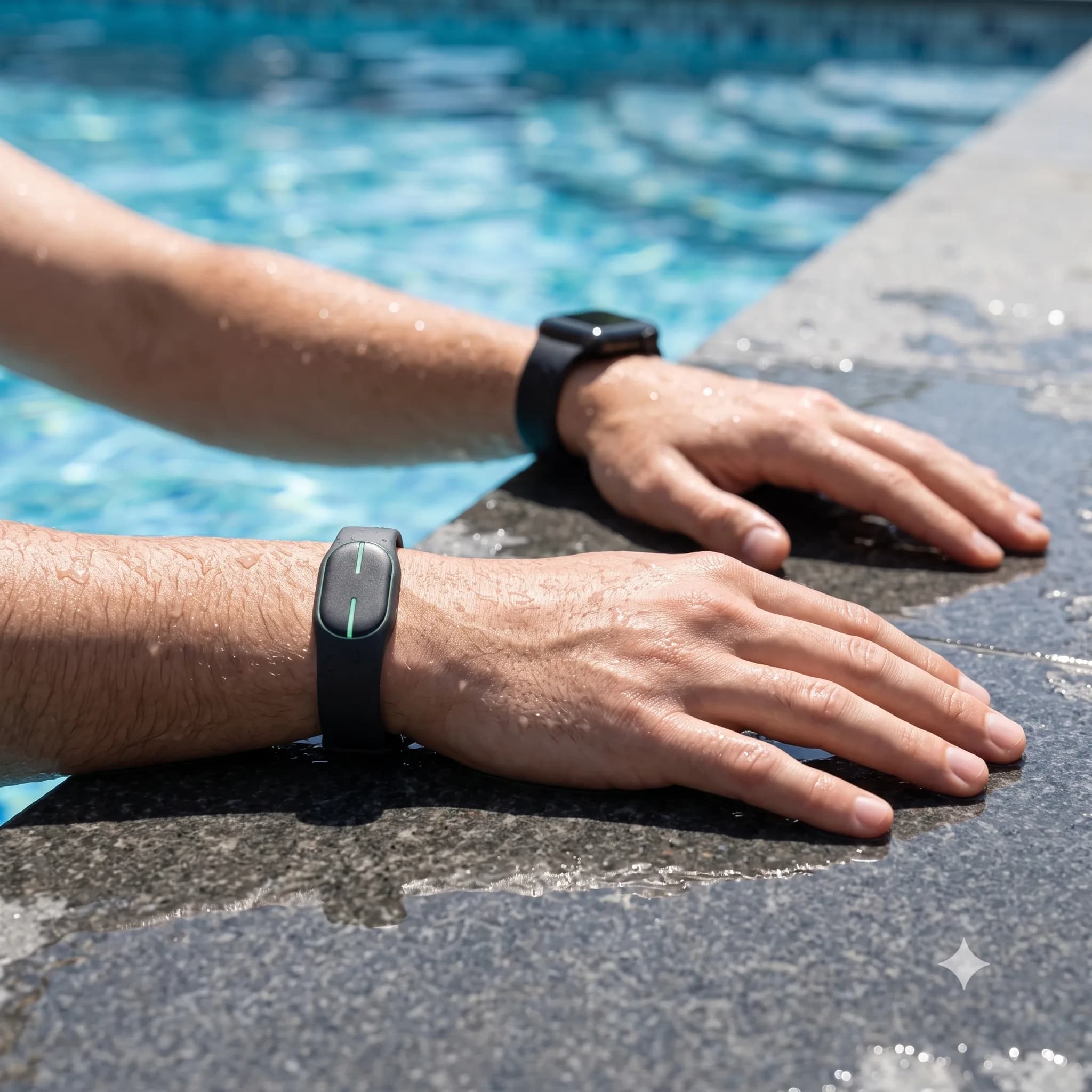
The gap
You can feel something is off. You just cannot see it.
Your coach watches from the deck for a few seconds, then it is the next lane's turn. Underwater cameras and motion labs cost a thousand dollars and live at the national team. Everyone else swims lap after lap with no idea whether their hands are doing what they think.
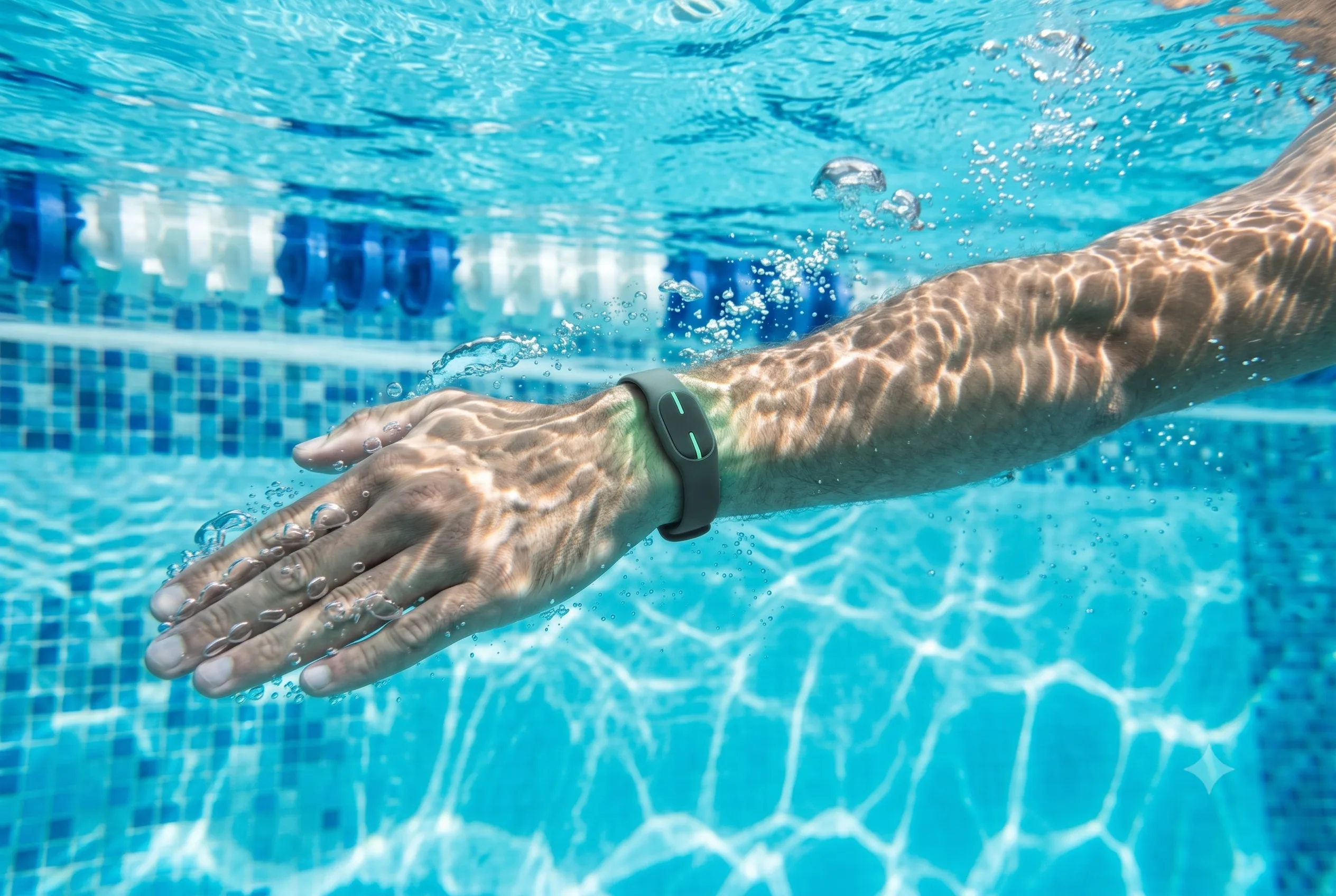
Swim without wrecking your shoulder
The habits behind swimmer's shoulder, caught early.
Most swimmer's shoulder starts with mechanics you cannot feel: a hand that crosses the centerline, a dropped elbow, one arm quietly working harder than the other. GlideMetrics surfaces these exact patterns after every swim, so you can adjust before a small flaw becomes months on the physio table. It is a heads-up you can act on, not a diagnosis.
Centerline crossing
See, stroke by stroke, when your hand crosses the midline on entry, the flaw most often tied to shoulder strain.
Left-right imbalance
One arm working harder than the other is easy to miss and hard on the shoulder. GlideMetrics shows the gap that fatigue hides.
Dropped-elbow catch
A low elbow in the catch puts extra load on the joint. Spot it early and fix it before it costs you pool time.
How it works
Three steps. Then you know.
- 01
Swim
Wear your Apple Watch, slip a GlideMetrics band on your other wrist, and train like normal. The sensors track every stroke underwater, with no buttons and no phone on the deck.
- 02
Sync automatically
Your full swim syncs to the app on its own once you are out of the water. No dock, no cables, nothing to press.
- 03
See your stroke
Open the app for a full breakdown: hand path, symmetry, stroke phases, and one clear thing to work on next.
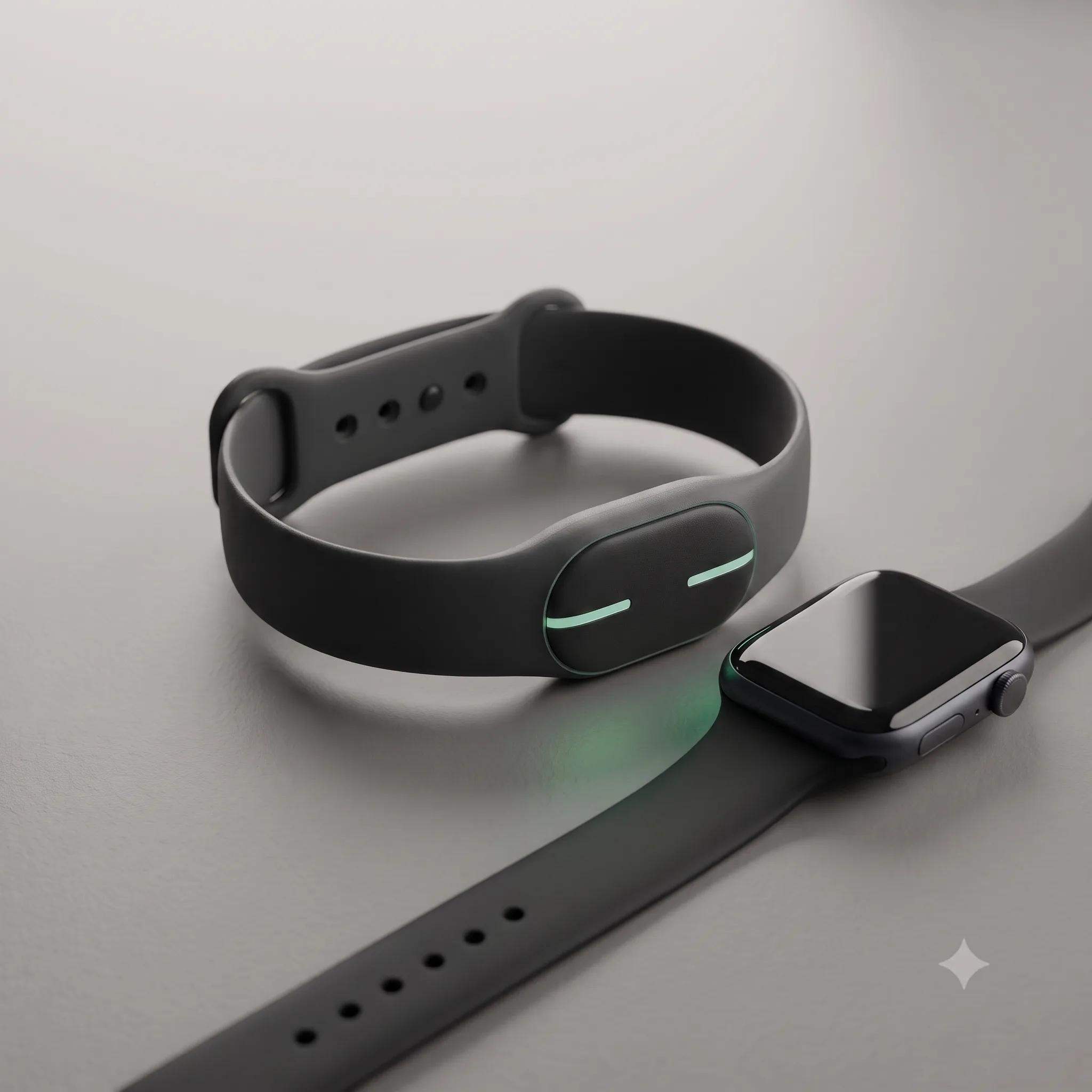
The hardware
No new gadget to believe in. Start with the watch on your wrist.
GlideMetrics runs on the Apple Watch you already swim with. For the full both-hands picture, add one slim, sealed GlideMetrics band on your other wrist. That is the whole kit: nothing bulky, nothing extra to charge, nothing new to remember.
The difference
See exactly where your hand goes.
GlideMetrics reconstructs the full underwater path of both hands and lays them over each other. Crossing the centerline, dropping your elbow, pulling harder on one side: it is right there on screen, a picture instead of a guess.
- Left and right hand path, overlaid
- Catch, pull, and recovery phase timing
- One plain-language fix, not a wall of numbers
After the swim
Coaching that actually sticks around.
Tips in plain language
"Your right hand crosses the centerline. Enter a little wider." Real cues you can take to the next set, not a spreadsheet you will never open.
Watch yourself get better
Stroke score, distance, and consistency tracked over weeks. Streaks and badges that make showing up feel like progress, because it is.
Built to share
Hit a new best? Drop your stroke animation straight to TikTok or Instagram. It looks good and proves you put in the work.
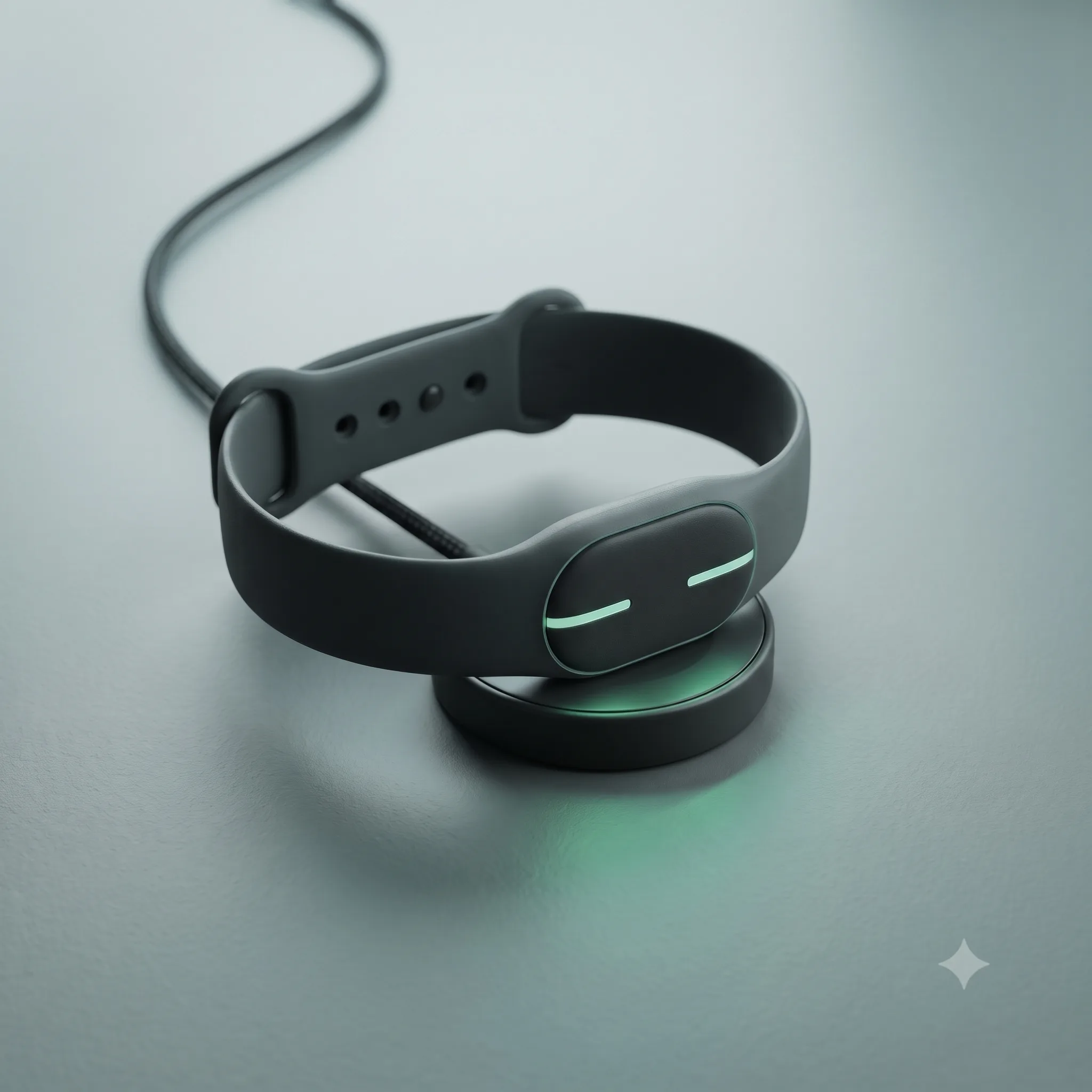
Be first in line
Become a founding member.
A good coach is expensive and only watches you a few seconds a lap. Founding members lock in the best price on the GlideMetrics band, app included, and get the first production run.
Straight answers
Questions, answered.
Yes. The GlideMetrics band is fully sealed to 50 metres (5 ATM), well past pool and open-water depth. Wear it in chlorine, salt, or your post-swim shower. Your Apple Watch carries the same 50 metre rating, so the whole setup is pool-ready.